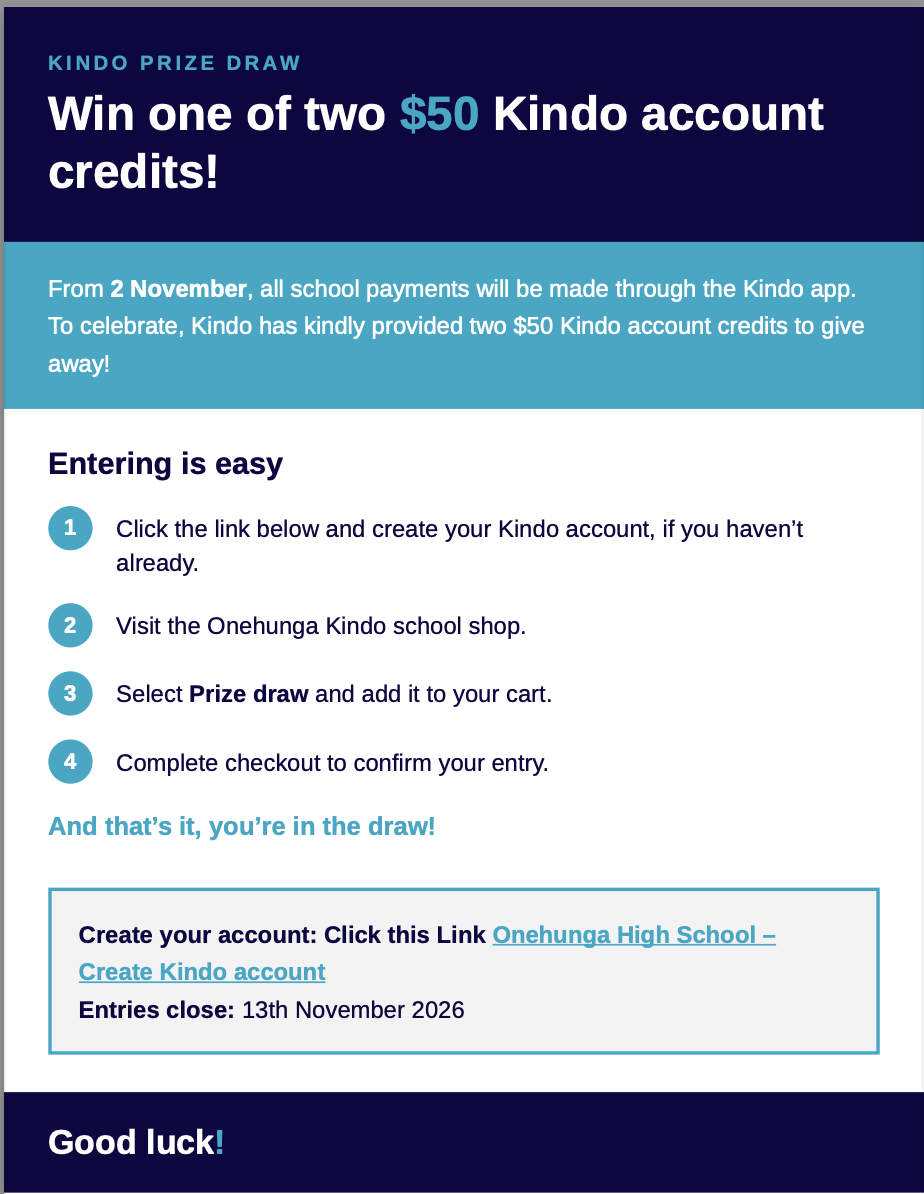
Set up your Kindo account and be in to win a $50 voucher.
Our new online payment system, Kindo, is now live at Onehunga High School. Families can use Kindo to pay school fees, sports registrations, trips and other school expenses. You can also support school fundraising activities, all in one place. With Royal Oak Intermediate also moving to Kindo, this will make school payments easier for families living in our local community.
Sign Up and Be in to Win!
Parents and caregivers who create their OHS Kindo account by Friday 13 November 2026 will go into the draw to win one of two $50 Kindo credit vouchers.
Winners will be drawn on Monday 16 November 2026, with the credit added directly to their Kindo accounts.
How to Get Started
- Create your account: Visit OHS Kindo or download the myKindo app.
- Register: Select "Create Account" and use the email address registered with the school.
- Link your children: Enter your children's details to connect them to your account.
- Already use Kindo? Simply log in to your existing account and add Onehunga High School and your child.
- Start using Kindo: You can now view your account, make payments and purchase school items.
Need Help?
For assistance with setting up your account, contact Kindo:
Email: [email protected]
Freephone: 0508 454 636
If you need to update the email address registered with the school, please contact our school office at [email protected].
We encourage all families to set up their accounts before 13 November to take advantage of the prize draw and make future school payments easier.